Camera Tracking & Match Moving
The next stage was recreating the real camera movement inside a 3D environment.
The footage was imported into Adobe After Effects, where camera tracking was performed to analyze the movement and generate a matching 3D camera.
This process allowed the virtual 3D elements to follow the same perspective and motion as the original footage.
During tracking, several challenges were faced, including:
- Limited tracking information in certain areas
- Low contrast surfaces
- Lack of enough visual reference points
Additional adjustments were required to achieve accurate camera movement and a realistic integration.
3D Integration & Animation
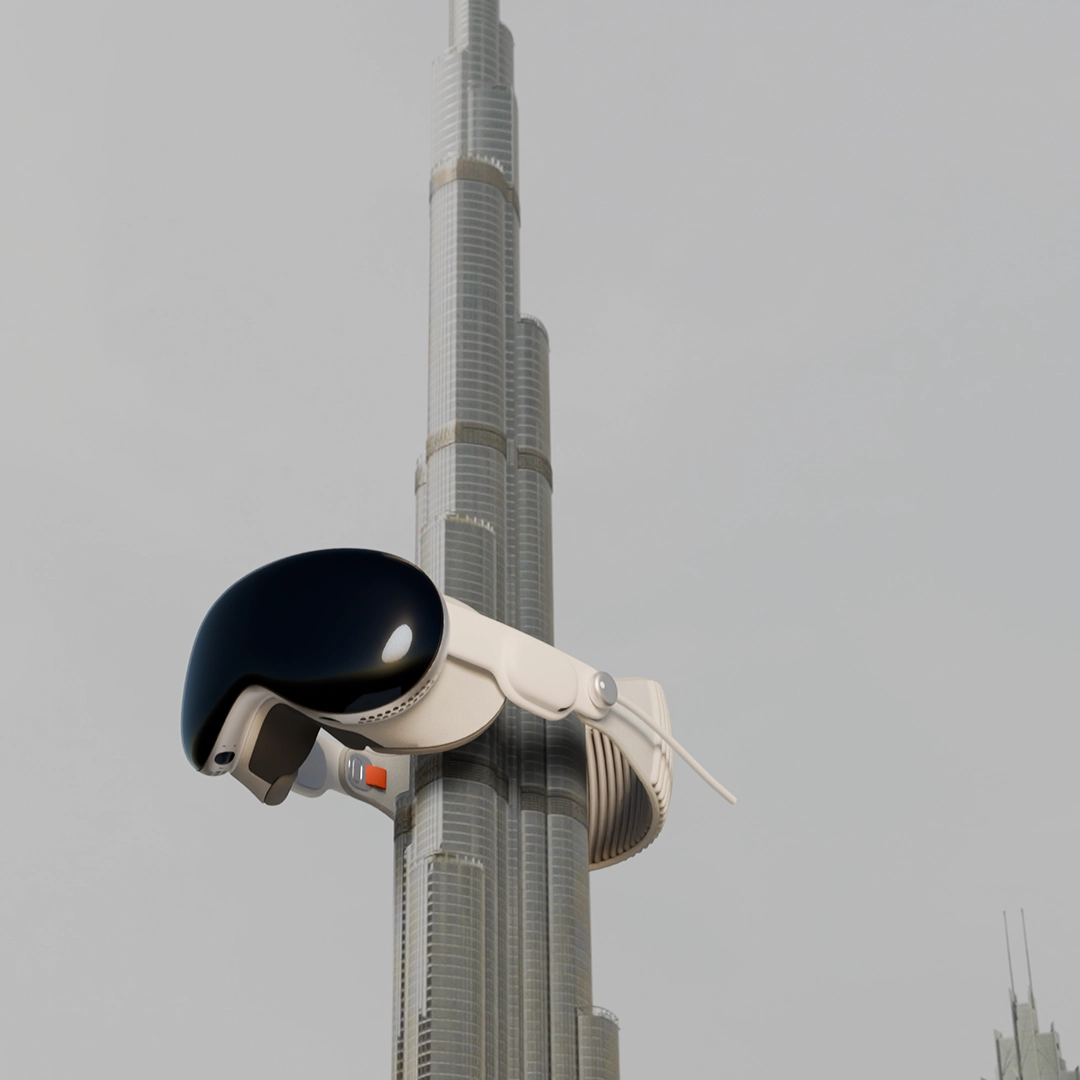
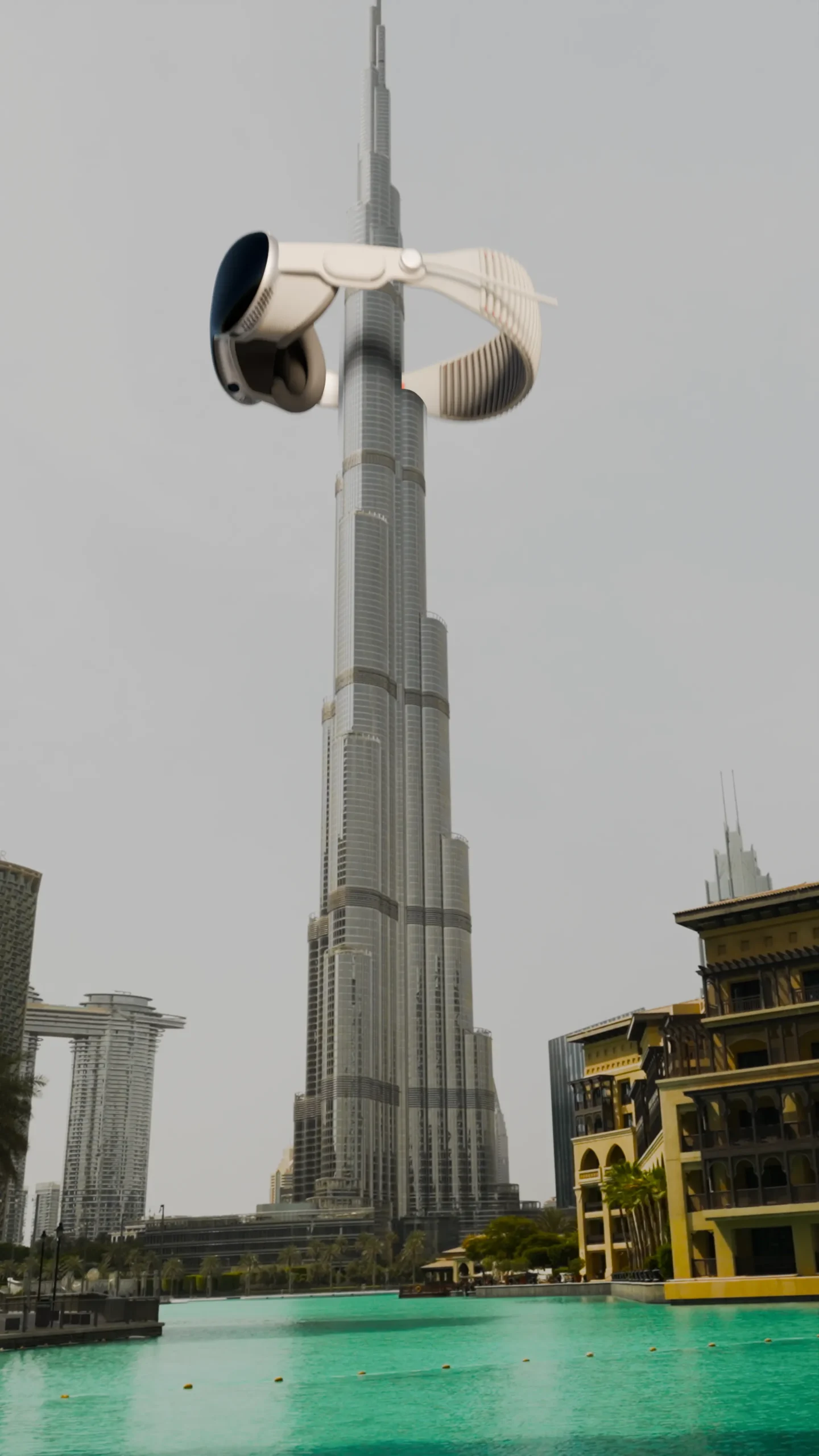
After completing the camera tracking process, the tracked camera data was used to integrate the 3D element into the scene.
The Apple Vision Pro 3D asset was brought into Blender for 3D positioning, animation, and rendering.
The process included:
- Matching the 3D object with the real environment
- Adjusting scale and perspective
- Creating smooth animation
- Refining the movement to make the object feel naturally placed in the scene
The focus was to make the CGI element appear as if it existed physically within the real-world footage.